PCs that cannot run Windows 11
Windows 10 support ended in October 2025, and Windows 11 needs TPM 2.0 and a recent processor. Nixorium needs a 64-bit PC with UEFI, so many of those machines can stay in service.
Most school labs run Windows, and the same two worries come up every time: some software only exists for Windows, and staff are not used to Linux. Both are real. This is how Nixorium’s first lab handled them.
Windows 10 support ended in October 2025, and Windows 11 needs TPM 2.0 and a recent processor. Nixorium needs a 64-bit PC with UEFI, so many of those machines can stay in service.
Nixorium, NixOS, and every application in the software profiles are free and open source. That includes classroom monitoring and the reset at every boot, which on Windows usually mean extra products.
More school work runs as a web app every year: documents, registers, learning platforms. In a browser, the operating system underneath matters less and less.
The list of Windows-only programs gets shorter every year. For each one, the free alternatives: applications from the software profiles you choose at setup, and the ArtCraft apps shown below, separate projects that a lab can add.
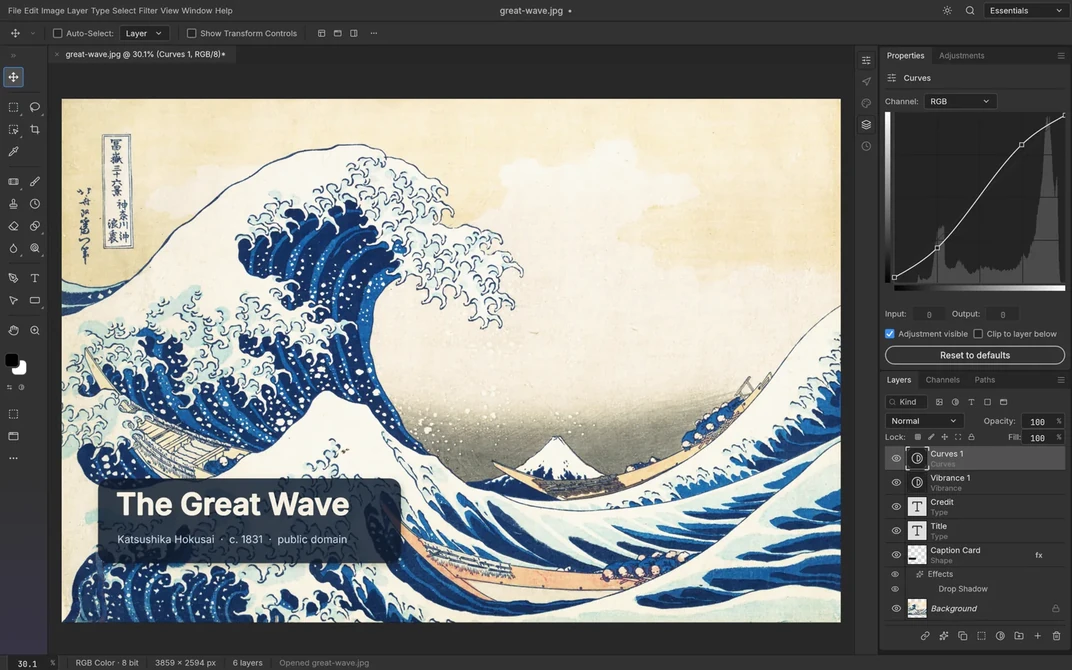
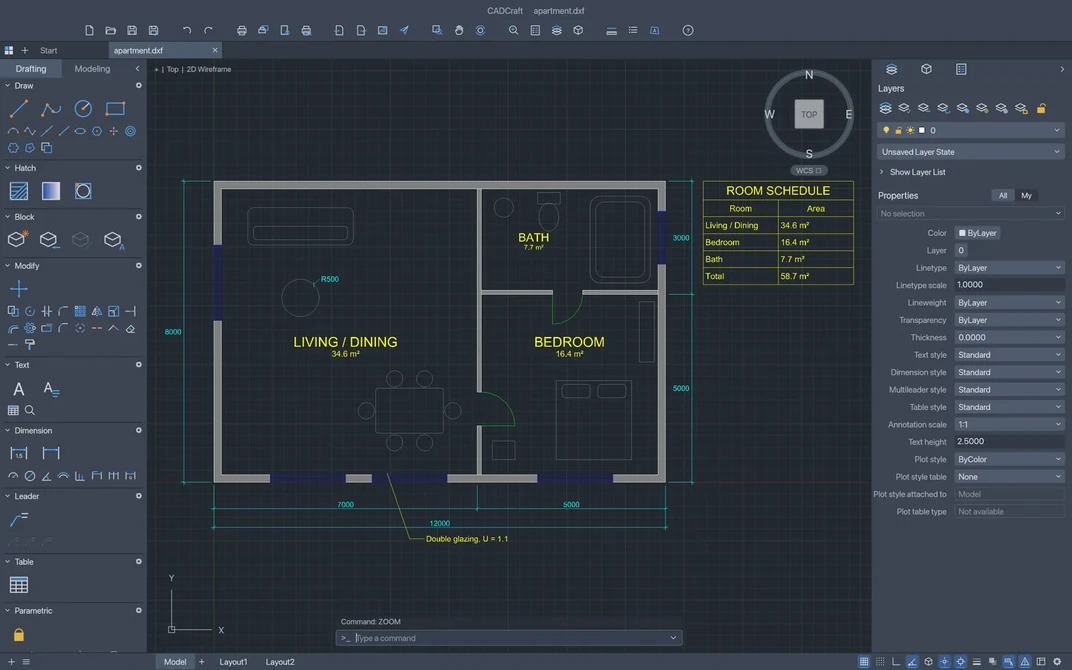
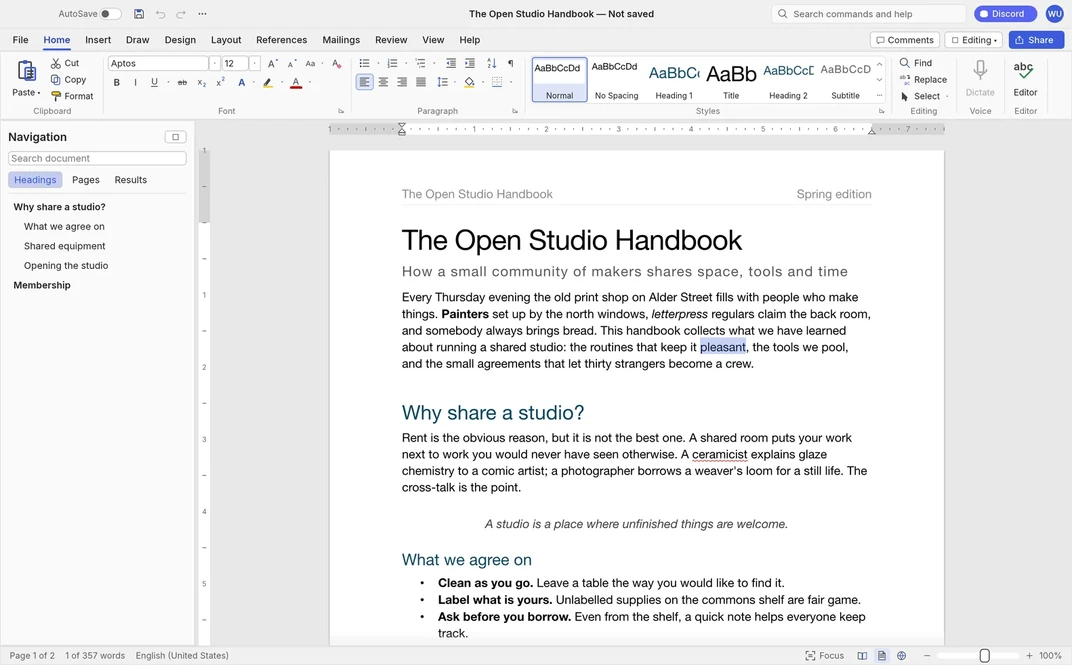
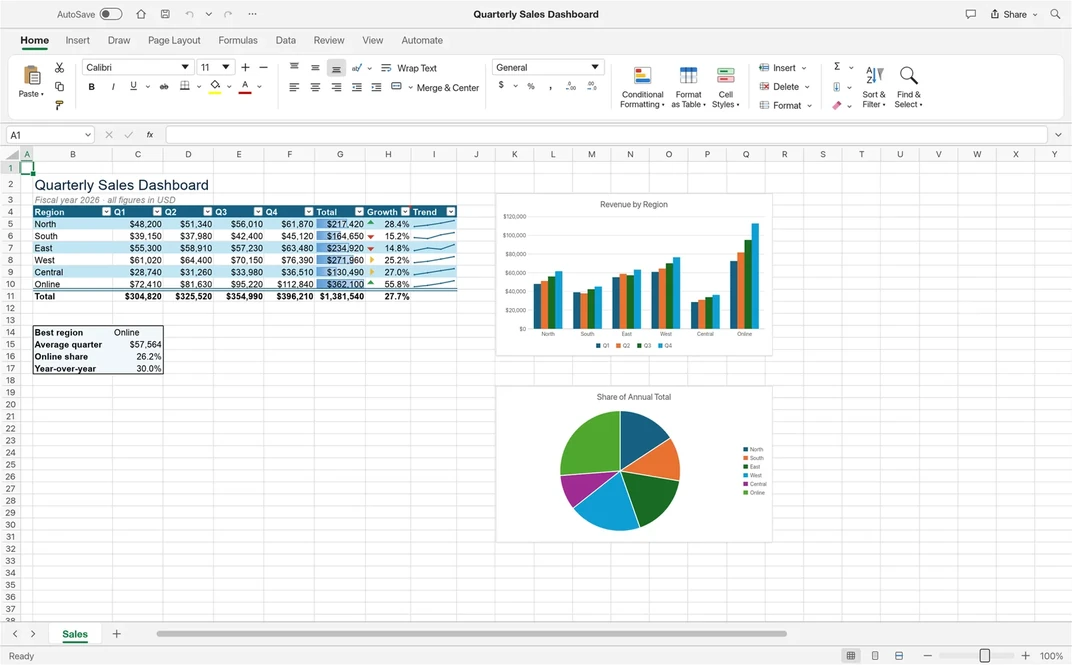
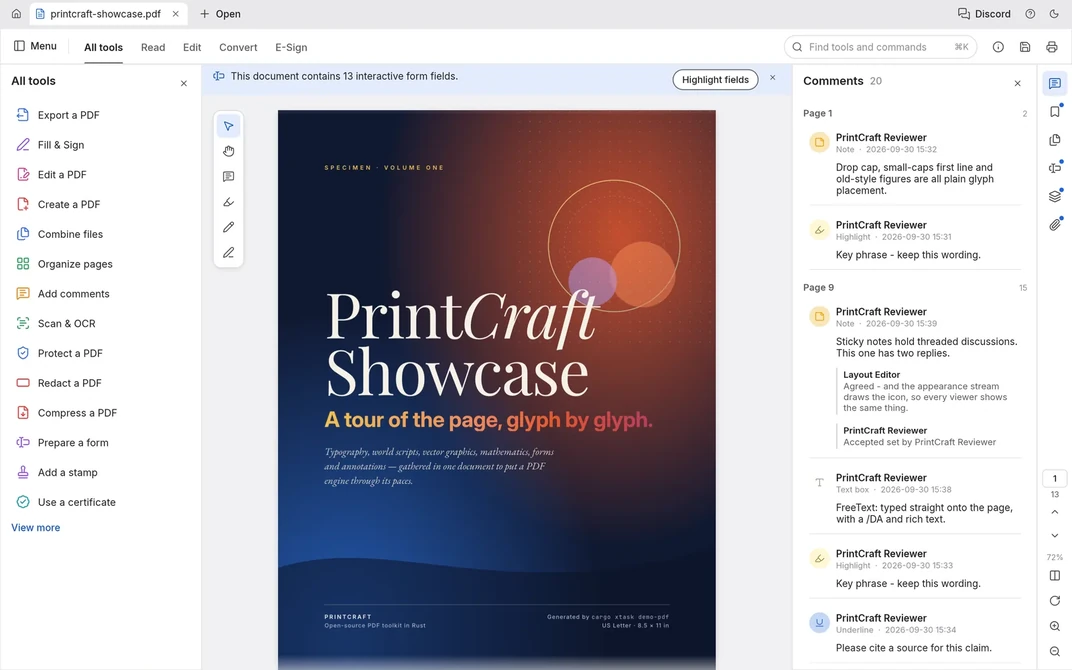
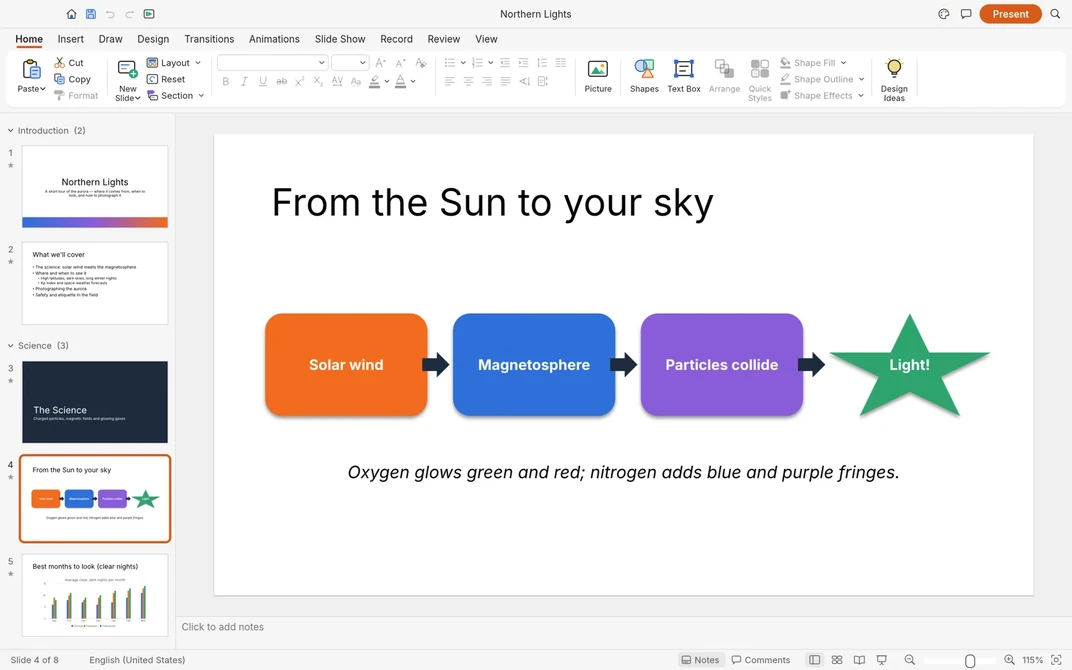
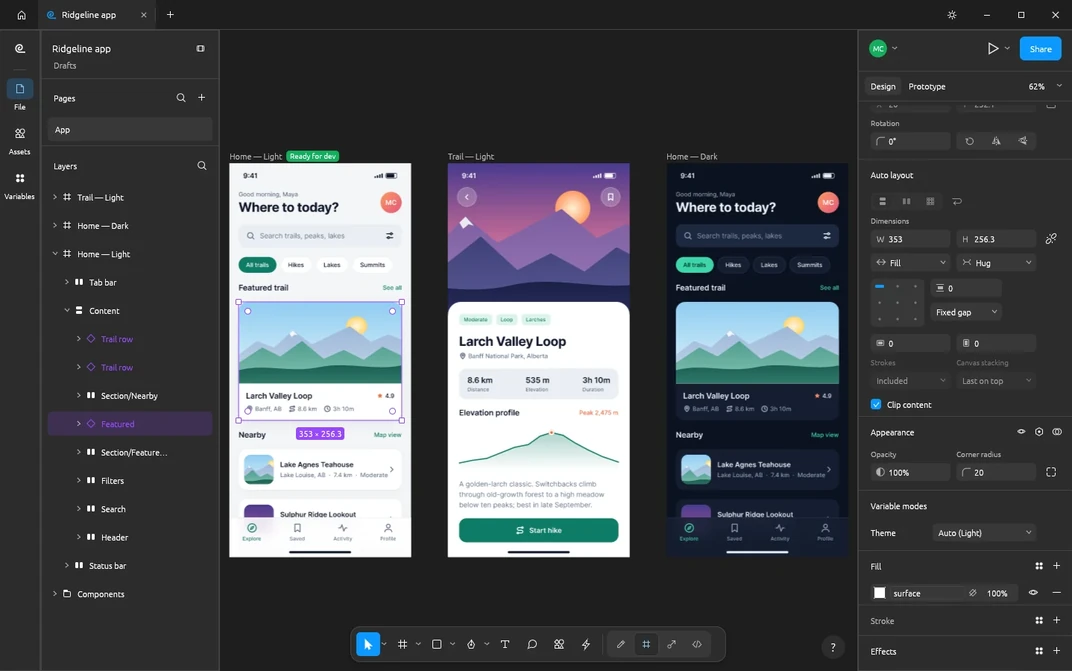
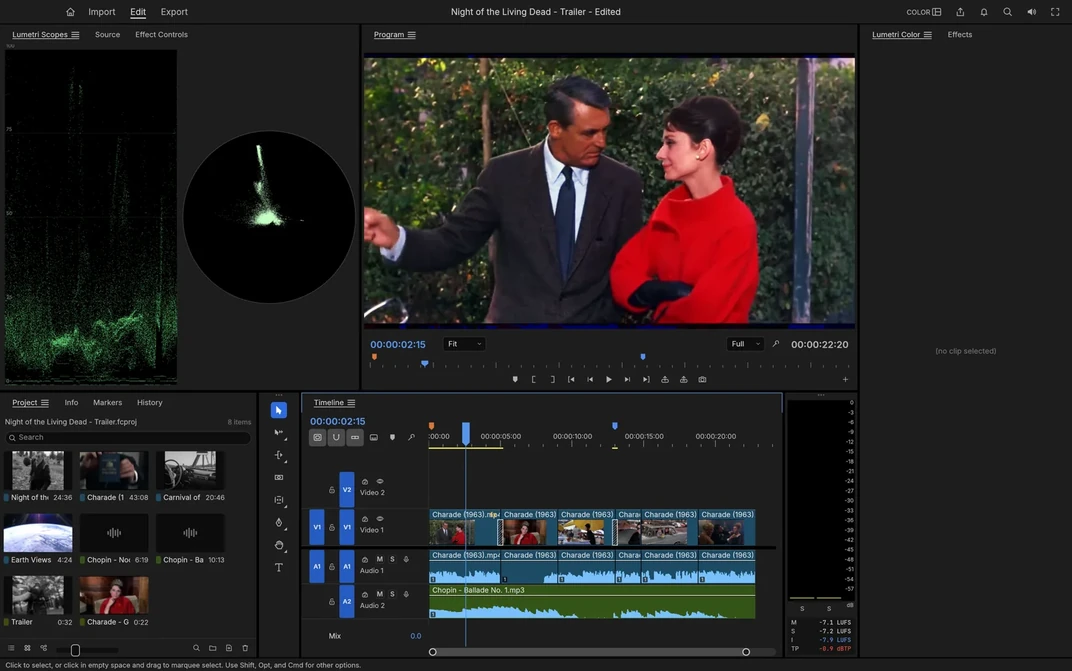
PhotoCraft: Photoshop clone
The Craft apps above are from ArtCraft: free and open source, they run on Linux as AppImage. getartcraft.com
Some programs still exist only for Windows, including software required for public-sector exams. Nixorium’s first lab kept two disks in each PC: NixOS on one, Windows on the other. The boot menu lists both, so Windows is there on the days it is needed.
Teachers and technicians who have only used Windows are the other common worry. Day to day, very little of Nixorium looks like “Linux”.
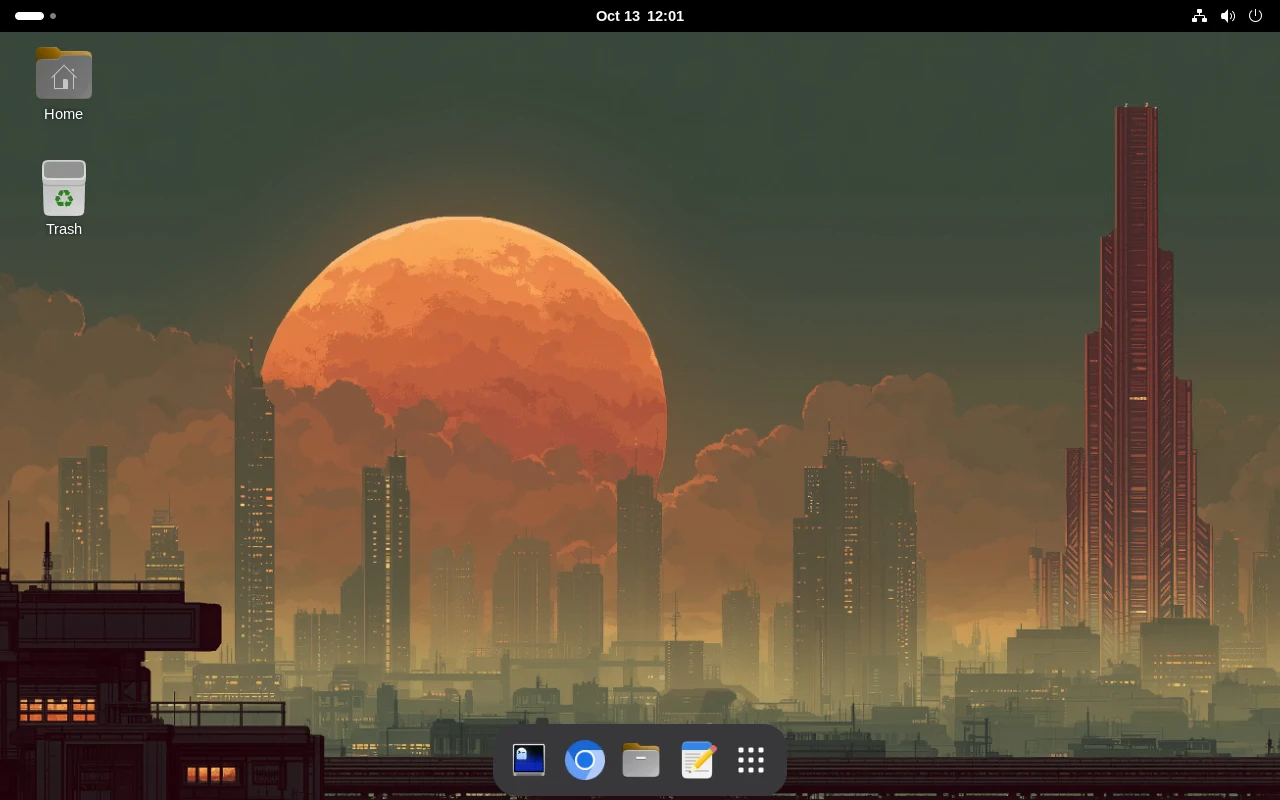
The PC opens a ready desktop with no login. They use a browser and the applications for the lesson.
A desktop, a browser, and the classroom view: every student screen from the teacher’s desk, with buttons to lock, show your screen, hand out files and pause Internet. No commands to learn.
Routine work is a guided menu: choose the software, choose the PCs, confirm. A reboot undoes whatever a student changed, a system update can be rolled back, and when something is interrupted the menu says what to do next.
The first installation is the demanding part: it needs someone comfortable starting a PC from USB and answering questions in a terminal. Editing configuration files is only for advanced changes.
A lesson from the teacher’s desk →What the administrator does →
Need the head teacher’s approval? A printable summary for your school →